> For the complete documentation index, see [llms.txt](https://notes.radifine.com/llms.txt). Markdown versions of documentation pages are available by appending `.md` to page URLs; this page is available as [Markdown](https://notes.radifine.com/aws/aws-identity-and-access-management/access-control-via-available-tools.md).
# Access Control (via available tools)
## IAM Access Control
Tools that can help in monitoring Access Control are as follows:
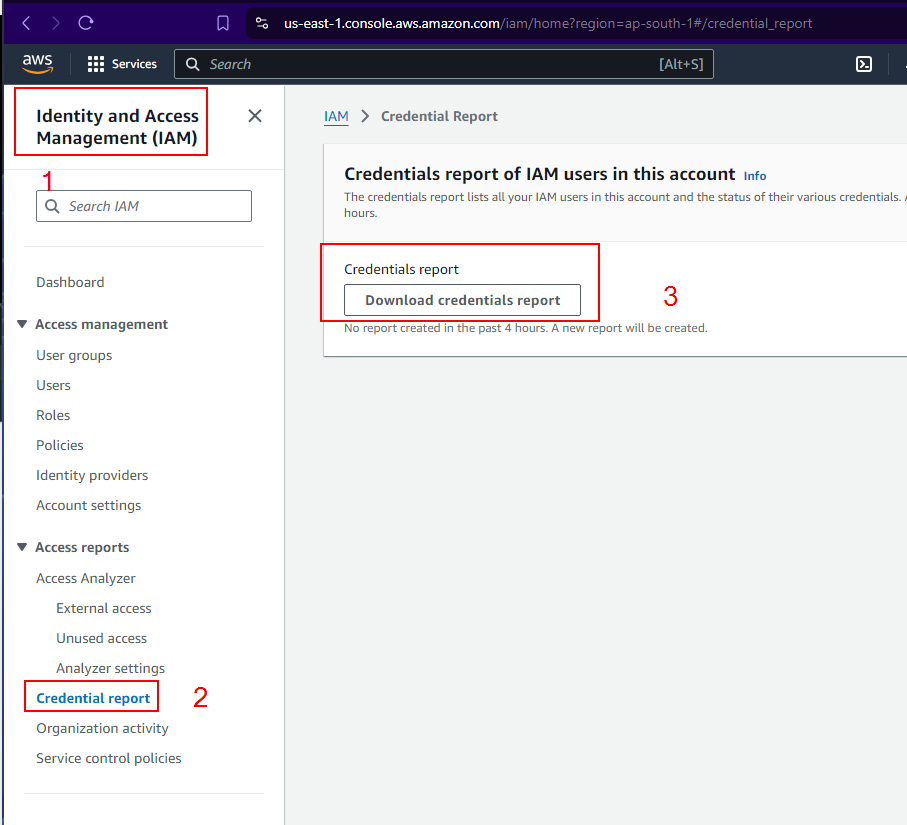
* **Credential Report** - It can be used to identify unused credentials and maintain compliance evidences by providing a CSV about password and access keys usage of a particular IAM user with its ARN, creation time, password or access key last used, last changed, next rotation date and MFA active, last used service and also X.509 certificates
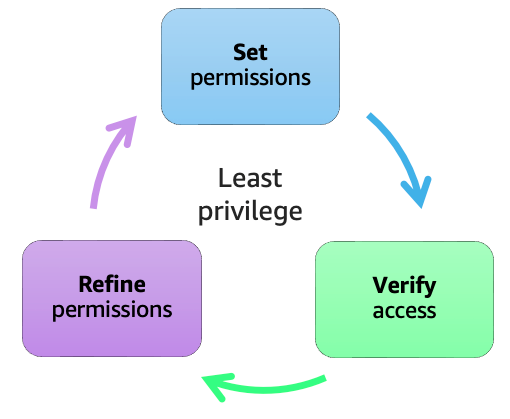
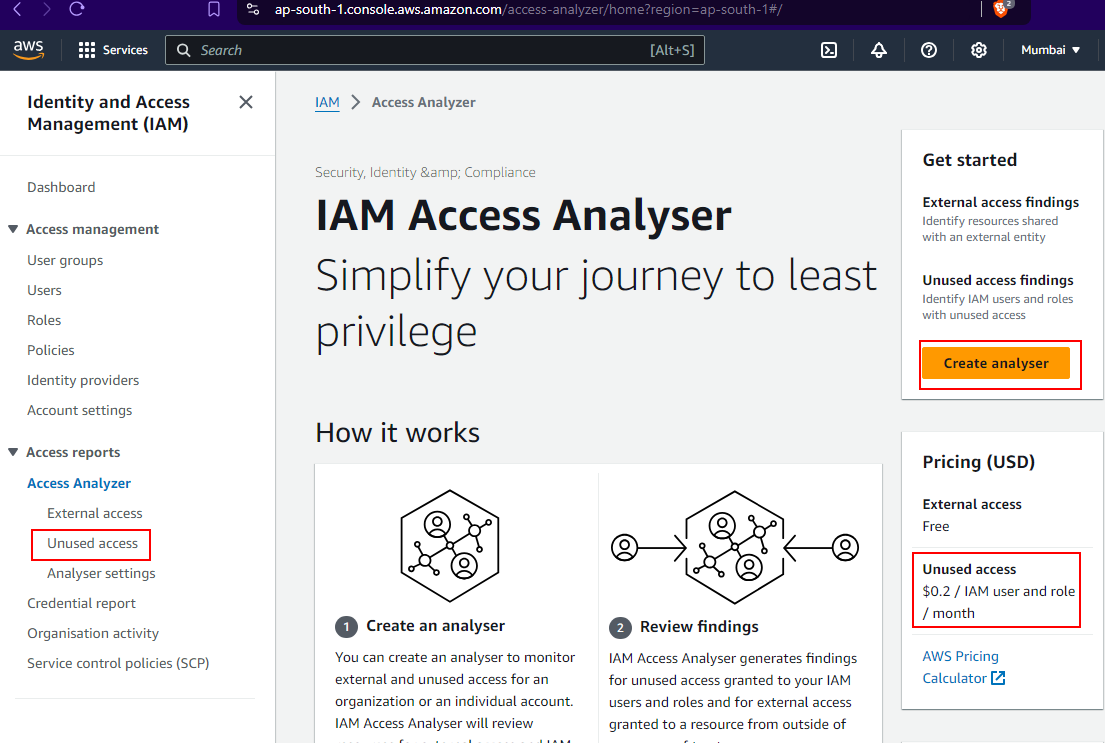
* **Access Analyzer** - A feature in IAM that allows to monitor the usage of policies so that unwanted policies can either be modified or removed. It has service name, policy granting permissions, last accessed, access by members. This is particularly useful to see if a person who has changed jobs or moved from the organization does not have that same level of access, which it discovers by telling IAM policy not getting used. Apart from all these, it can be used to monitor external access also
Working Model for Access Analyzer
In short, it identifies resources shared with external principals for few resources such as:
* [x] S3
* [x] AWS KMS keys
* [x] Lambda functions
* [x] AWS IAM Roles
* [x] Amazon SQS queues
* [x] AWS Secrets Manager secrets
Feel free to navigate to the following link to have a more hands-on approach:
* **AWS CloudTrail** - One of the foundational AWS logging service that can be used to monitor as collect forensic evidence. More details on[ AWS CloudTrail page](/aws/other-aws-services/logging-and-monitoring/aws-cloudtrail.md).
* **AWS Trusted Advisor** - Useful for newly created AWS account to know the must do's. It helps with Cost optimization, performance, fault tolerance, security etc. **It has lot of many checks, but are behind a paywall. First thing post setup** should be to check suggestions from IAM
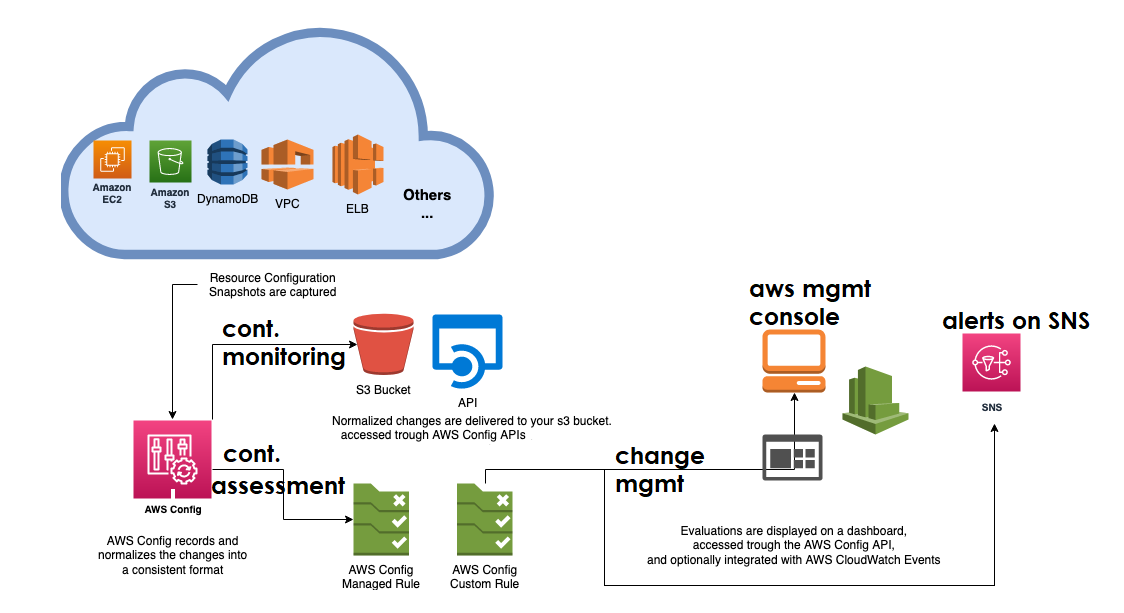
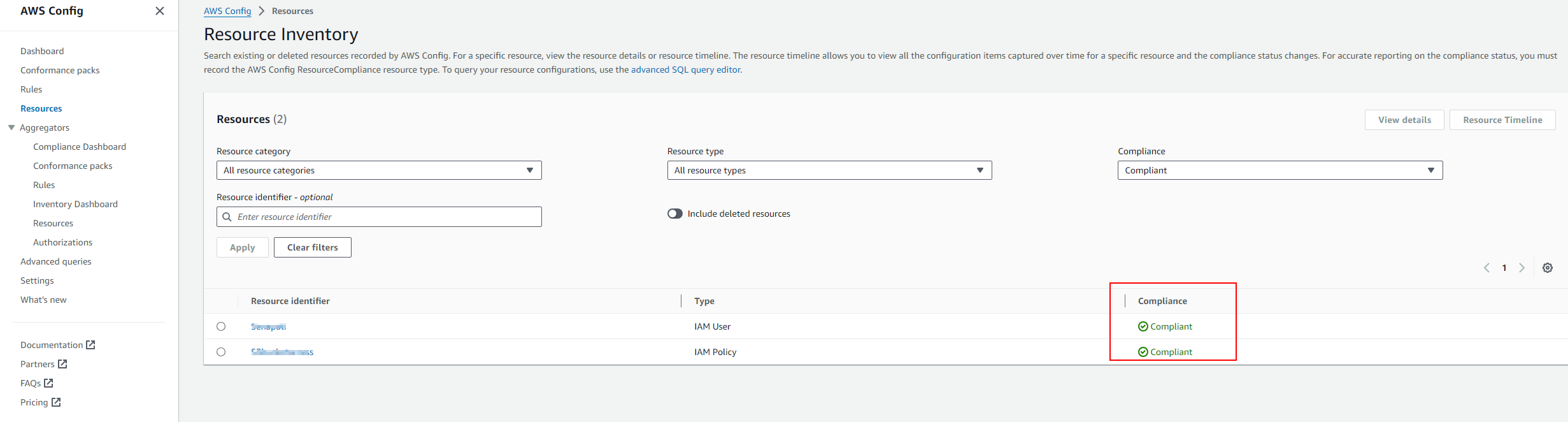
* **AWS Config** - This paid service from Amazon, assesses, audits and evaluates configurations of AWS resources, but where it really shines is its nature for enforcement. It is kind of File Integrity Monitoring but for AWS configurations. Hence the feature list is as follows:
1. Continuous Monitoring of configurations when it differs from baseline
2. Continuous Assessment of configurations when it differs from baseline whether the change is permitted or not.
3. Change Management - view all the changes
4. Operational Troubleshooting - if any flow breaks, then it can help in that
5. Helps in Compliance
W\.r.t IAM, AWS config can help in:
* [x] Monitoring of Root Account MFA enabled or disabled
* [x] Changes to IAM password policy
* [x] IAM policy blacklisted check helps in monitoring if a blacklisted user has suddenly got any policy.
* [x] Monitoring if a group has suddenly got additions or subtractions in its members (useful for checking if any user is part of Admin access)
* [x] If an IAM User has any policies applied to them
* [x] If an IAM group has any user or is it is blank
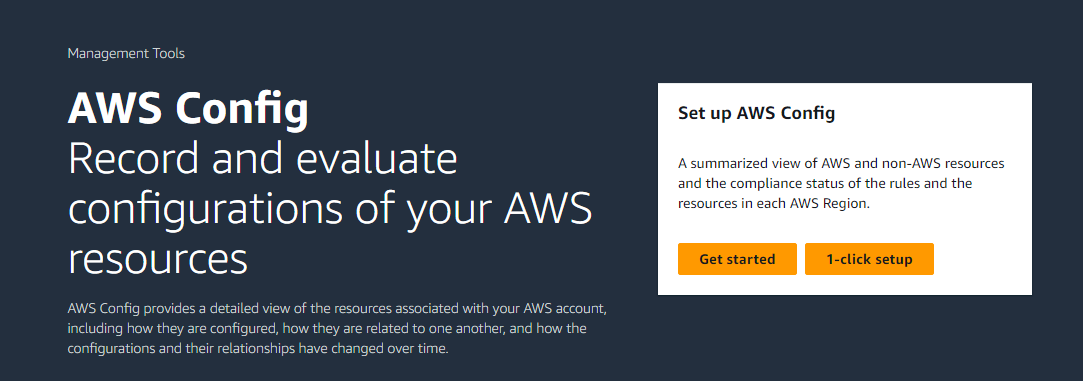
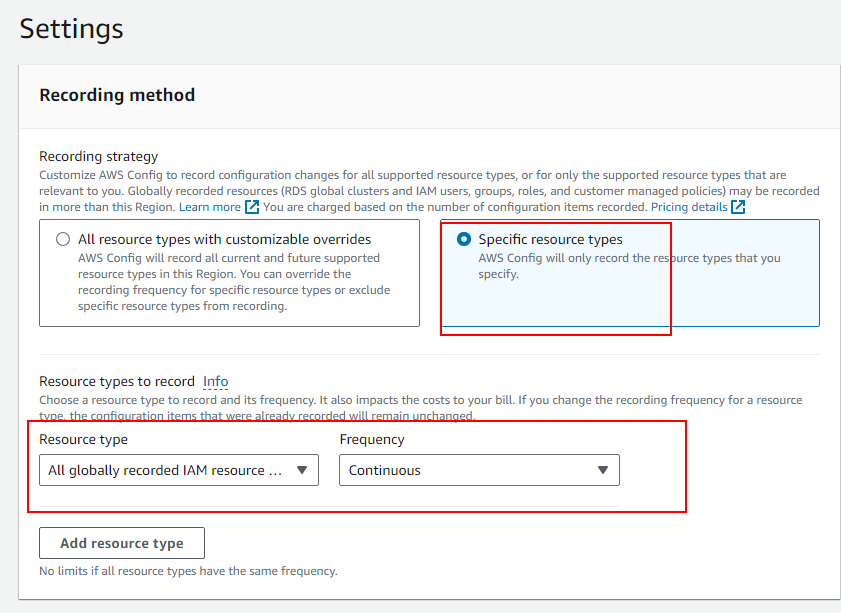
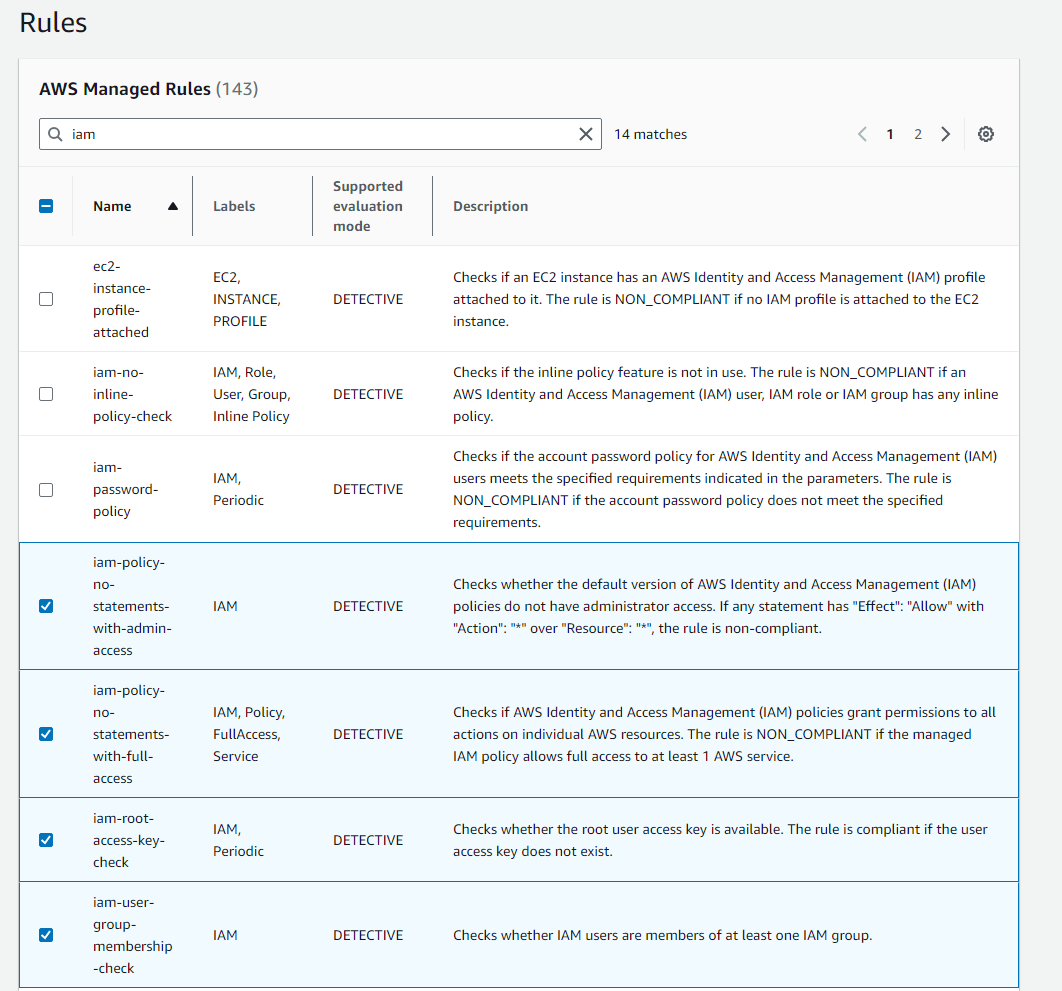
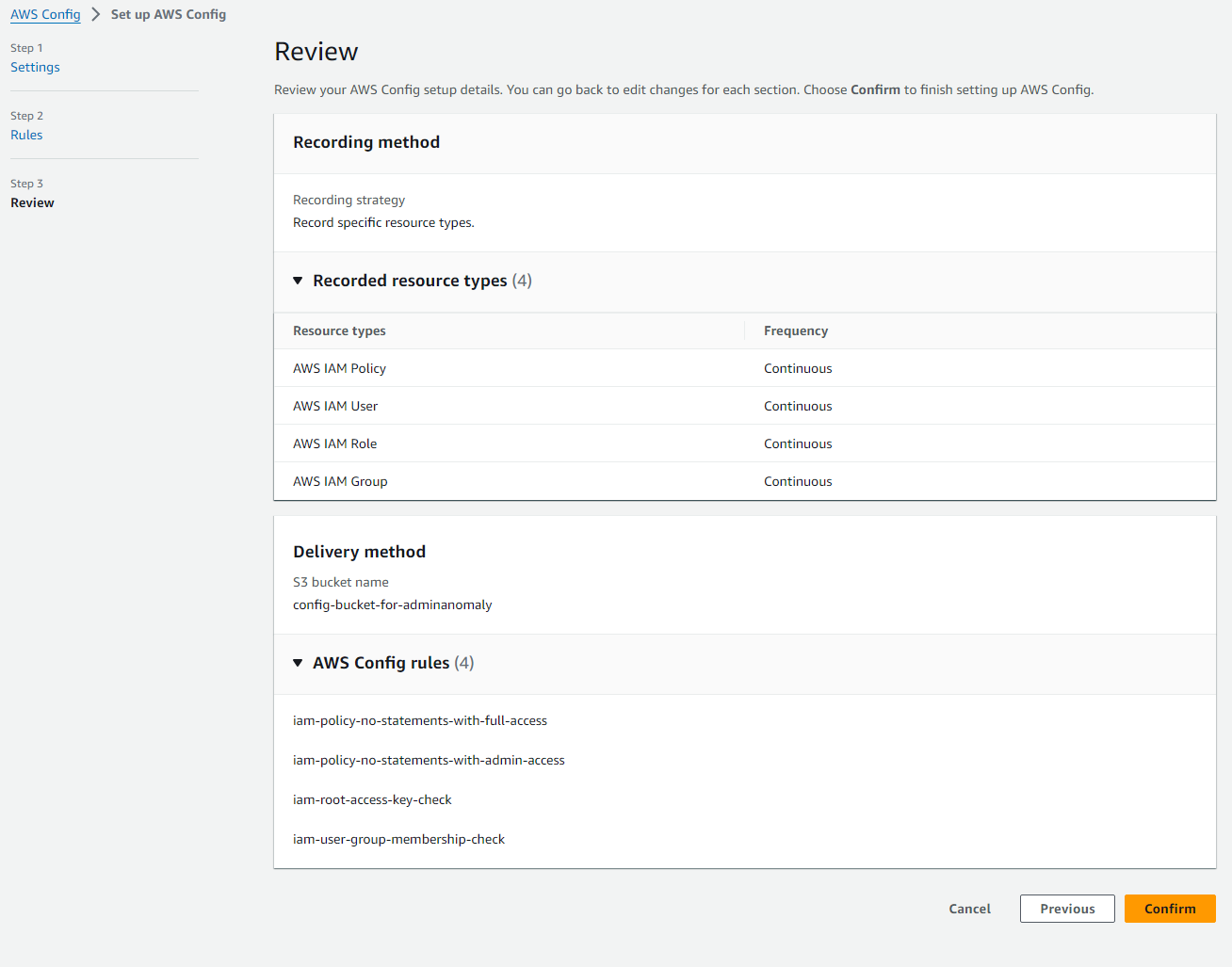
Setup example for AWS Config:
{% hint style="info" %}
Note, one can create its own Rules using Lambda and Guard
{% endhint %}